Finding a robot toy that actually does what it promises is tough. We have all seen the commercials for high-tech bots, only to open the box and find a glorified remote-control car.
You want something smarter. You want a toy that sparks curiosity, introduces coding concepts, and survives more than one afternoon of play.
We tested the top contenders to see which ones are worth the batteries. Whether you have a toddler who loves lights or a tween ready to write Python code, we found the best robot toys to get their gears turning.
- Offers open-ended learning platform
- 5 hours playtime
- Award-winning
- Waterproof polycarbonate shell
- Bluetooth Smart connection
- App-enabled
- Educational STEM robot
- 17 different robotic designs
- Infrared sensor system
- Plays multiple games
- Tested for durability and security
- Smart, entertaining robot
- Multi-colored lights
- 120+ songs, sounds, tunes
- 4 ways to play
- 3 ways to play
- 360 degrees of mobility
- 60+ facial expressions
- Fully assembled
- Drag-and-drop code editor
- Introduces basic coding & robotics concepts
- No batteries for pull-back motor
- Award-winning building set
- Beginner course in robotics
Benefits of Robot Toys for Kids
Playing with robots offers more than just entertainment. These toys act as a bridge between physical play and digital literacy.
When kids interact with these machines, they aren’t just pushing buttons. They are learning logic, cause-and-effect, and problem-solving skills. Assembling a kit improves fine motor skills and patience.
Most importantly, robot toys are a fun entry point for STEM concepts. Science, technology, engineering, and math can feel intimidating in a textbook. However, when those concepts make a robot dance or navigate a maze, learning becomes a natural part of the game (1).
How to Choose a Robot Toy
Robots range from simple dancing dolls to complex programmable kits. Here is what you should look for before hitting the buy button.

Age-appropriate
Check the manufacturer’s age recommendation first. A robot designed for a teenager will likely frustrate a 6-year-old, while a toddler toy will bore a pre-teen. Look for a robot that matches your child’s current skill level but offers enough depth to challenge them as they grow.
Quality and Durability
Robots take a beating. They crash into walls, fall off tables, and get dropped by clumsy hands. Look for solid polycarbonate shells and well-protected internal wires. If the robot requires assembly, ensure the pieces snap or screw together tightly.

Safety
Stick to the guidelines regarding small parts. This is critical for households with younger siblings. Button batteries and small gears can pose choking hazards. Always verify that the materials are non-toxic and robust.

Interest and Design
Your child needs to like how the robot looks. Some kids prefer humanoid robots with faces, while others love industrial rovers or dinosaur designs. If your child loves Lego, a brick-based kit is a no-brainer. Connect the toy’s design to their existing interests to ensure they actually play with it.

Budget and Complexity
High-end robots with advanced AI and cameras cost more. Determine if you need those advanced features. A simpler coding bot might offer better value for a beginner than a pricey unit with features they won’t use.
Consider your child’s specific needs. A child with ADHD might prefer a robot with quick feedback and fast-paced games. A detail-oriented child might prefer a complex building kit that takes hours to assemble. Let their personality guide your choice.
Product Reviews
We evaluated these robots based on coding capabilities, durability, fun factor, and ease of use to find the top picks for every age group.
Wonder Workshop Dash Coding Robot for Kids
Best Grow-With-Me Robot
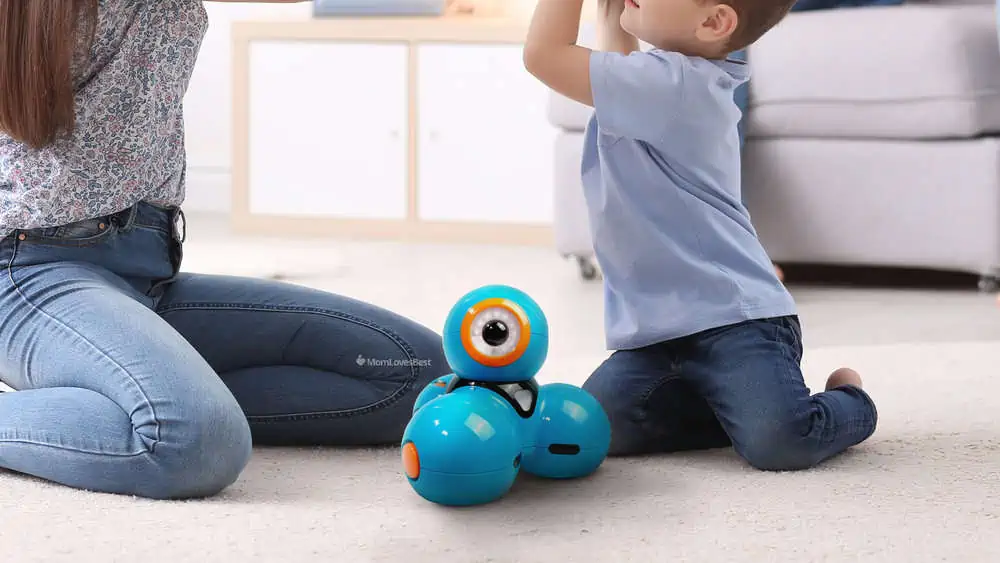
Dash is a favorite in classrooms for a reason. It is robust, approachable, and scales with your child’s ability. Out of the box, it responds to voice commands and navigates around objects.
The real magic happens in the apps. Kids start with simple path drawing and graduate to “Blockly,” a visual coding language developed by Google. Your child can program Dash to sing, dance, avoid obstacles, or launch balls with add-on accessories.
It is compatible with iOS, Android, and Kindle Fire. We love that it teaches loop commands and variables without feeling like homework.
Sphero BB-8 Droid
Best for Star Wars Fans
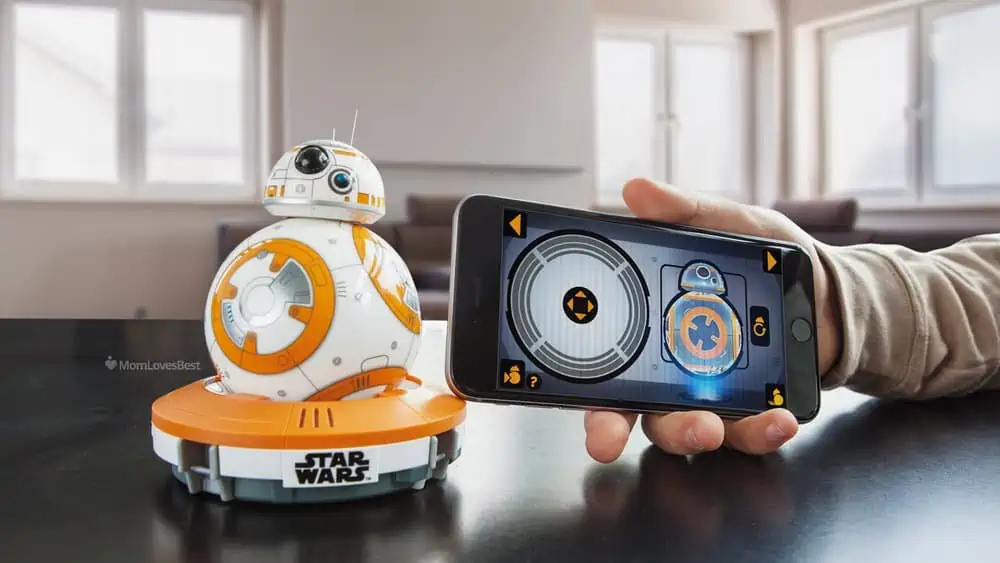
This isn’t just a model; it’s an app-enabled droid that acts just like the movie character. The BB-8 by Sphero features a unique magnetic head that stays upright while the body rolls, exactly like in The Force Awakens.
Kids aged 8 and up control the droid via a smartphone or tablet. The “Watch With Me” feature is a standout, where BB-8 reacts audibly while you watch the Star Wars films together.
It creates holographic messages through the app’s augmented reality feature. While it is a bit smaller than you might expect, the movements and personality are spot-on for any young Jedi.
Lego Mindstorms EV3 Robot Kit
Best for Lego Lovers
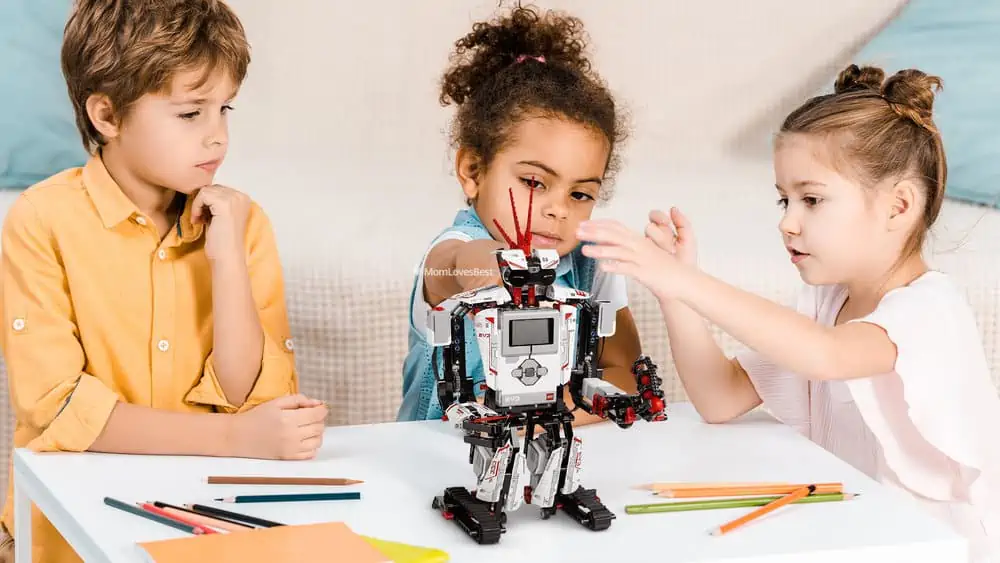
Lego Mindstorms is the gold standard for build-it-yourself robotics. This set is perfect for kids 10 and older who want to build complex machines from scratch.
The kit includes the Intelligent EV3 Brick, which acts as the robot’s computer. Kids can build 17 different designs, including a snake, a scorpion, and a humanoid robot. It features touch, color, and infrared sensors.
Your child can program their creation using the free EV3 programmer app. It bridges the gap between toy bricks and genuine engineering.
Anki Cozmo Toy Robot for Kids
Cutest Robot Toy
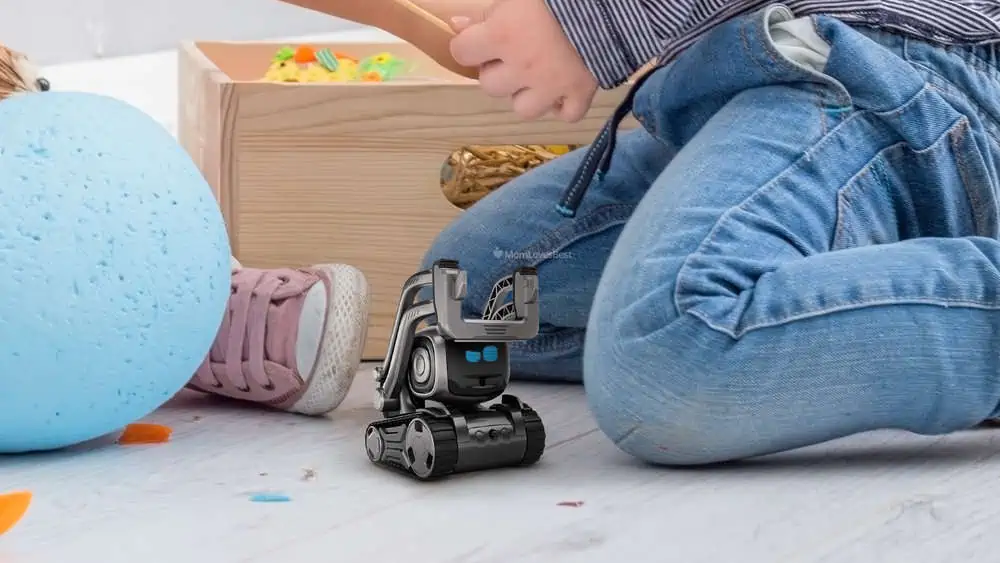
Cozmo is famous for its big personality. This tiny bot has an emotional engine that simulates feelings. If you ignore him, he gets cranky. If you play games with him, he celebrates.
It uses a camera to recognize faces and say your child’s name. Beyond the cute factor, the “Code Lab” within the app offers a drag-and-drop coding interface based on Scratch Blocks.
It is durable, compact, and feels more like a pet than a machine. Note that it requires a compatible device to run the app, as the robot’s brain relies on your phone or tablet.
Meccano Erector Programmable Robot Building Kit
Best for Coding and Construction
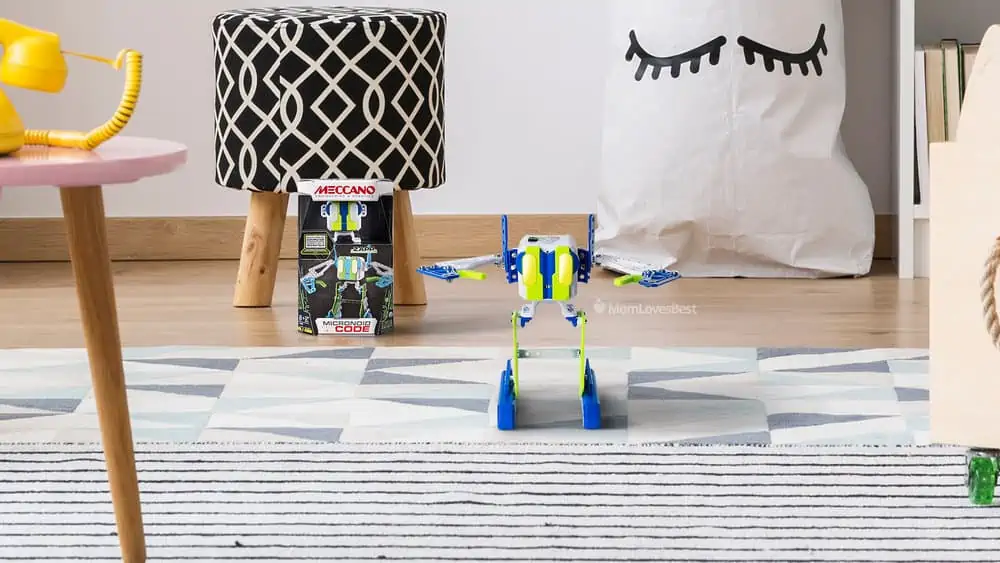
If your child likes using real tools, the Meccano M.A.X. is a great choice. This kit comes with 332 parts, two hand tools, and infrared sensors.
Designed for kids aged 10 and up, this robot utilizes an Artificial Intelligence platform to learn and adapt. Once built, it engages in trivia games and tells jokes.
The assembly process is involved and great for developing patience and dexterity. You can program M.A.X. using buttons on the robot itself (LIM programming) or via the downloaded software for more complex actions.
Fisher-Price Bright Beats
Best Robot Toy for Babies
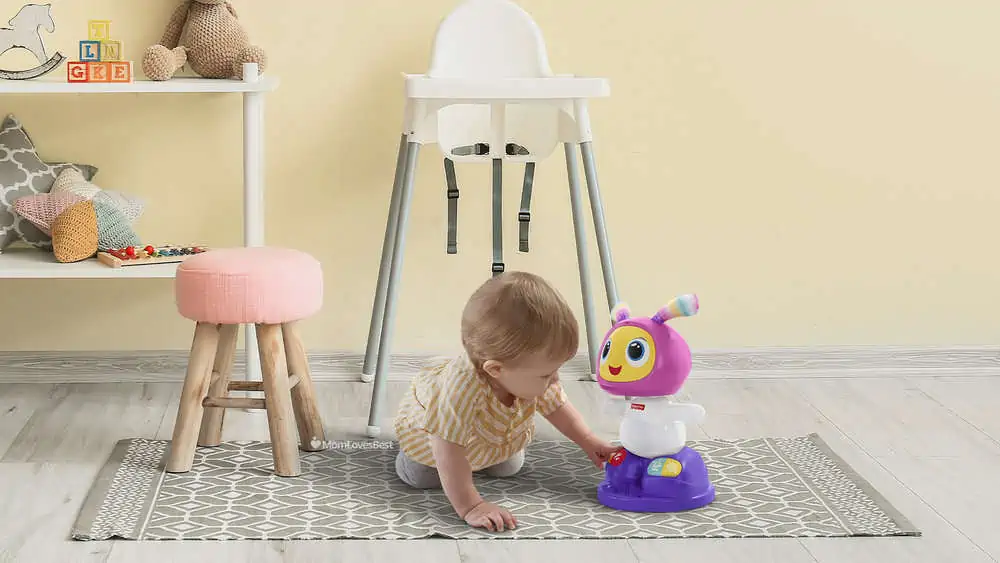
BeatBelle is designed strictly for fun and sensory stimulation. It introduces babies to cause-and-effect through large, easy-to-press buttons.
When your little one taps the robot, it comes alive with colorful lights, motorized dancing, and upbeat songs. It has three modes: Dance ‘n Move, Learning & Games, and Customized Sing-Along.
Parents can record a phrase, and BeatBelle will remix it into a song. It is sturdy enough to handle rough toddler play and helps encourage movement in children as young as 9 months.
WowWee Miposaur Robot Dinosaur
Best Dinosaur Robot Toy
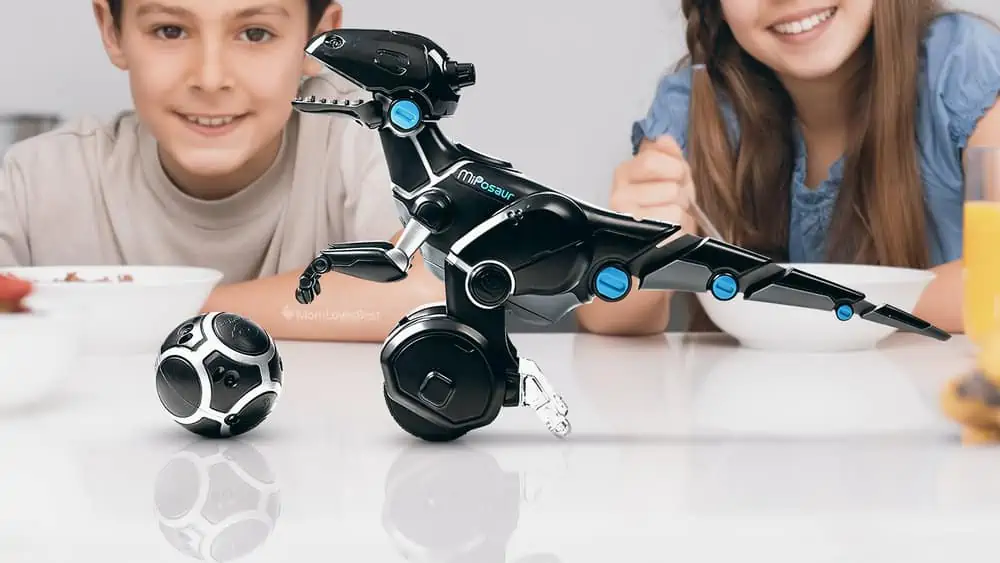
The Miposaur balances on two wheels and uses gesture sense technology to respond to your hand swipes. You can pull its tail, cover its eyes, or use the included trackball to guide it.
The trackball acts as a controller. You can use it to make the dino dance, feed it, or change its mood. If you treat it nicely, it acts curious. If you annoy it, it becomes aggressive.
It connects to a smart device app for extra gameplay, including battling other WowWee robots. It is a solid choice for active kids aged 8 and up.
Fisher-Price Teach 'n Tag Movi Robot
Best Robot for Preschoolers
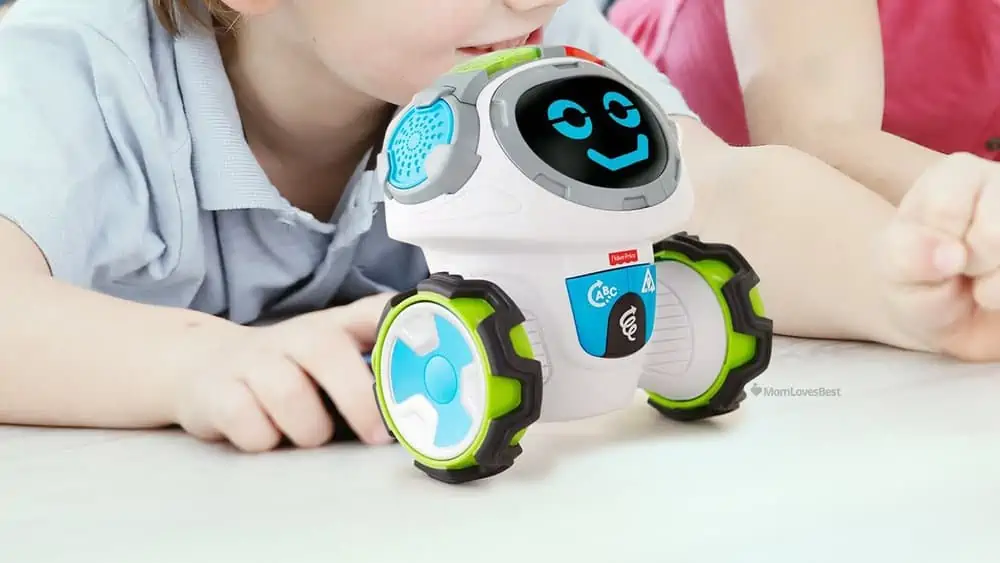
Movi is an active learning buddy that gets preschoolers off the couch. Unlike many robots that require a tablet, Movi works right out of the box with no screens required.
It features 360-degree mobility and three game modes: Alpha Fun Actions, Think & Move Shapes, and Learn & Play Games. Movi asks questions and encourages kids to follow directions to solve the problem.
The facial expressions change during play, making it feel interactive. It works best on hard floors and helps develop listening skills and critical thinking for kids aged 3 to 6.
Ozobot Bit Coding Robot
Best Starter Coding Bot
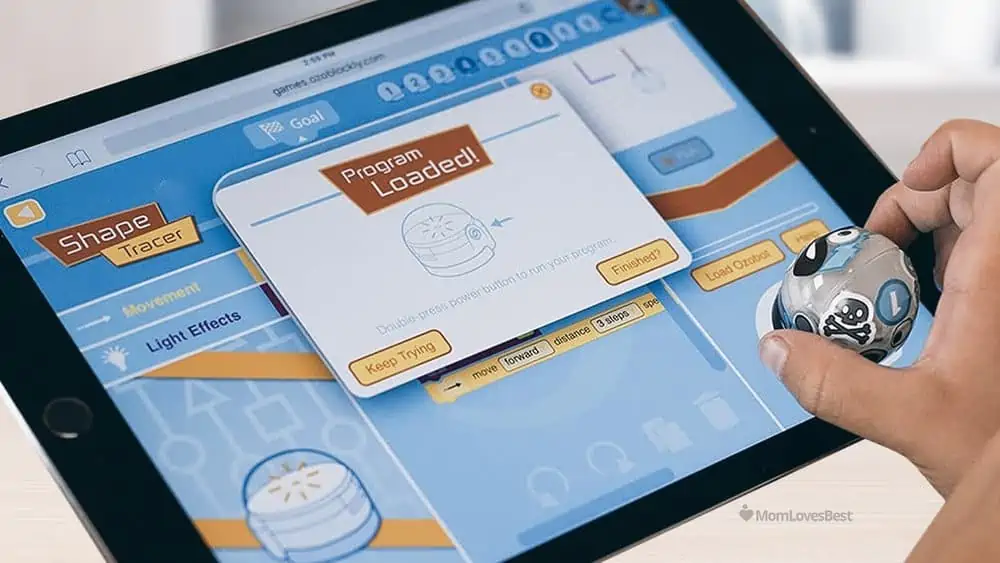
Ozobot Bit proves that good things come in small packages. This 1-inch robot teaches coding using color sensors. Your child draws lines on paper with regular markers, and Bit follows them.
Specific color combinations (like red-green-blue) act as codes that tell the robot to speed up, spin, or turn. It is a screen-free way to learn programming logic.
For advanced play, kids can use the OzoBlockly editor on a computer to drag and drop code blocks. It is perfect for detailed-oriented kids aged 6 and up who love puzzles.
Alex Toys Zoob Bot
Best for Building and Creating
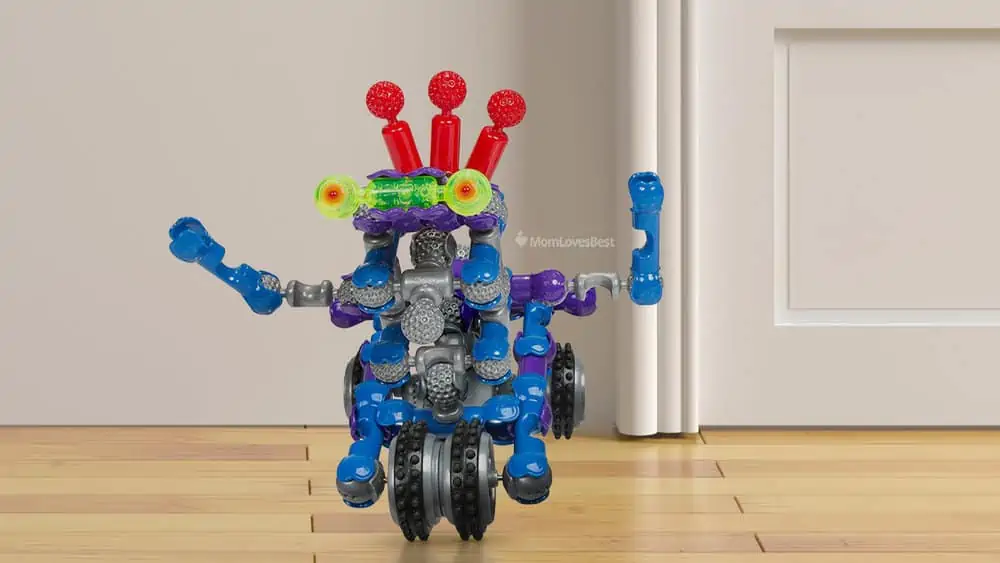
The Zoob Bot combines classic construction with robotics. The pieces snap, click, and pop together to form flexible joints, allowing for organic movement rather than stiff robotic steps.
The kit includes a pull-back motor unit and light-up eyes. Since the pieces are compatible with other Zoob sets, the creative possibilities are endless.
It is less about coding and more about mechanical engineering and physics. This is a great pick for kids aged 6 and up who prefer building over programming.
Veioze Dino Robot
Best Dino Robot
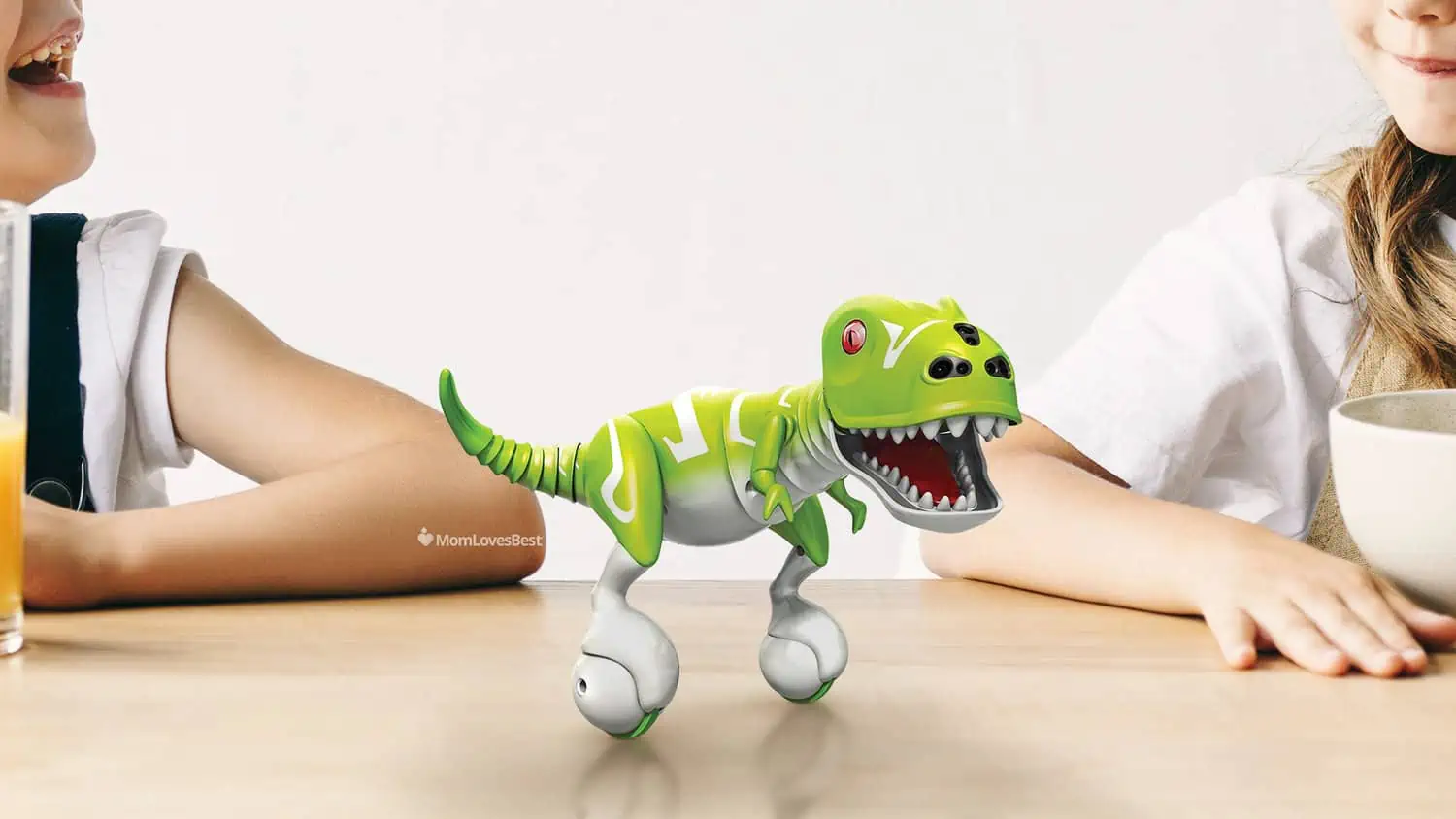
This interactive dino is perfect for younger kids who want a cool pet without the mess. It features a “Mist Spray” function where you add water, and it simulates breathing fire with red light effects.
You can control it via the remote to walk, slide, shake its head, and wag its tail. It also has a programming mode where you can input a sequence of moves for the dinosaur to perform automatically.
The robot sings and dances, making it an entertaining companion for children aged 3 and older. It runs on a rechargeable battery, so you save money on replacements.
SmartGurlz Jun Robot Doll
Best Robot Toy for Girls
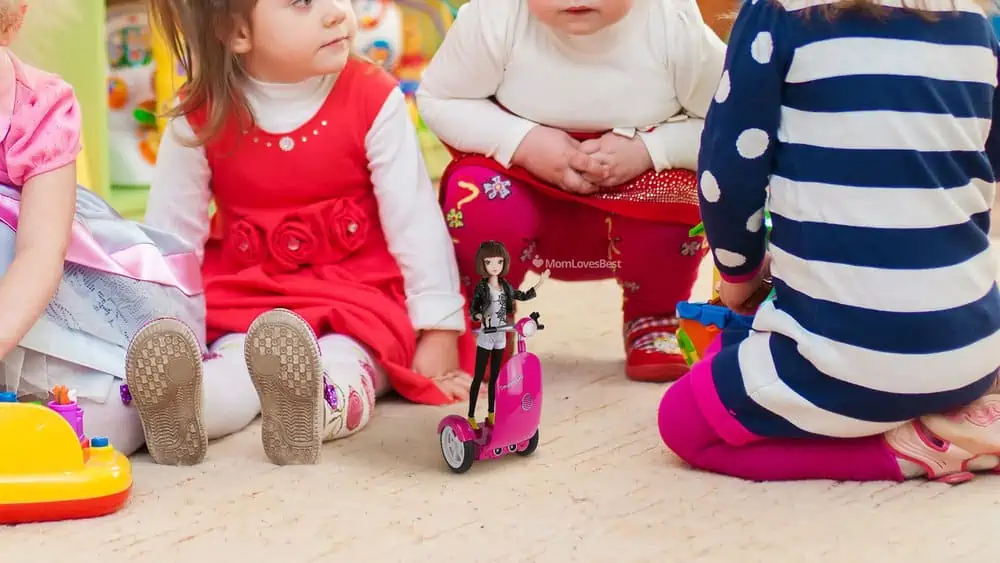
SmartGurlz combines doll play with STEM learning effectively. Jun rides on a robotic scooter called “Siggy,” which balances on two wheels using gyroscopic technology.
The “Sugar Coded” app teaches girls to code by solving missions and directing the scooter through obstacles. The scooter can carry other standard fashion dolls, making it easy to integrate into existing play patterns.
It focuses on spatial reasoning and math skills. We appreciate that it targets an audience often overlooked in the robotics market.
Sphero Orbotix Ollie App-Controlled Robot
Best for Outdoor Play
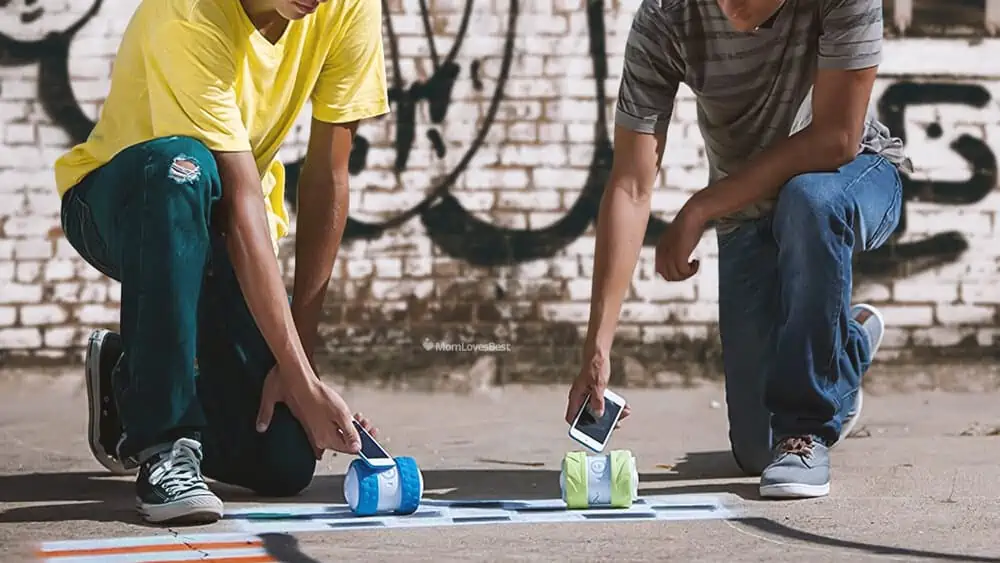
Ollie is built for speed and stunts. Unlike delicate coding bots, Ollie is a cylinder designed to tumble, jump, and race at speeds up to 14 mph.
It connects instantly via Bluetooth with a 100-foot range. The app allows you to adjust speed, handling, and acceleration settings. You can swap out the tires for drift wheels or grip tires depending on the terrain.
It is tough enough for the skate park but precise enough for indoor racing. It appeals to thrill-seeking kids and tweens who want action over education.
FAQs

What is the Best AI Robot For Kids?
The best AI robots typically include the Cozmo by Anki and the LEGO Mindstorms EV3. These models use advanced sensors and software to interact with their environment, recognize faces, and adapt their behavior based on how the child plays with them.

What are the Cons of Smart Toys?
Smart toys often require smartphone apps, leading to increased screen time. They also rely on batteries or charging, which interrupts play. Privacy is another consideration; ensure the toy complies with data protection laws like COPPA if it connects to the internet or collects voice data.

At What Age Should Kids Start Robotics?
Children can start learning basic robotics concepts around age 3 to 5 with screen-free toys like the Fisher-Price Code-a-pillar. By age 7 or 8, most kids are ready for block-based coding apps and simple assembly kits that introduce logic and syntax.

Do I Need a Tablet or Smartphone to Use These Robots?
Many modern robot toys, such as Sphero and Wonder Workshop Dash, require a compatible iOS or Android device to access coding apps and controls. Always check the packaging to see if a smart device is mandatory or if the robot has an “offline” play mode.